We have some exciting changes to our invoice template management. First and foremost, the invoice templates page now opens with a list of all your templates. For each one you can see the layout it uses, what it is the default for, and how many clients are assigned to it, so you know what a change will affect before you make it.
A clearer template editor
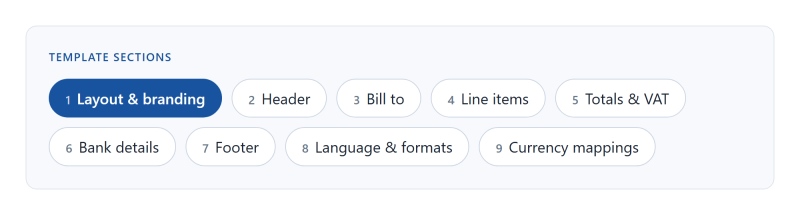
The editor has been reorganised into sections that follow the invoice from top to bottom. Pick a section, make your changes, and update the preview to see exactly how the invoice will print. Self billing invoice templates use the same editor.
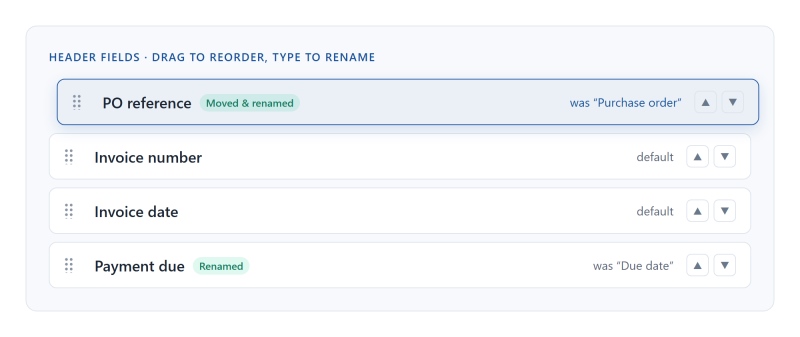
The invoice header fields and the line item columns can now be reordered and renamed. Drag a field to move it, or use the up and down arrows. Type a new label to rename it. If you change your mind, one click resets a field to its default name.
Invoices in seven languages
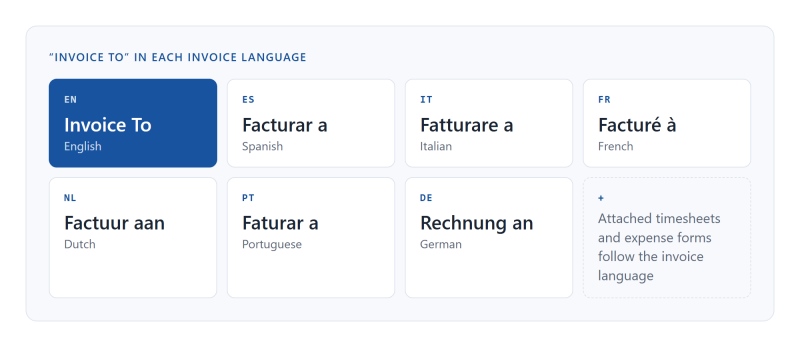
Each template can now have its own invoice language. Alongside English, invoices can be produced in Spanish, Italian, French, Dutch, Portuguese and German. The language covers the invoice wording and also the timesheets and expense forms attached to the invoice, so the whole pack your client receives reads in one language.
Date format and number format region sit in the same section, so a template for a German client can show amounts as 1.250,00 while your UK template keeps 1,250.00. Anything you have typed yourself, such as renamed fields or footer text, prints exactly as you typed it.
New layouts, in your colours
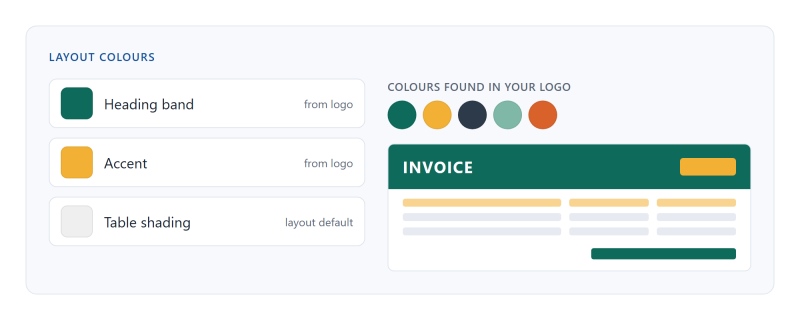
We have added a set of new invoice layouts, and many of them let you choose their colours. Click a colour swatch to change it. Once you upload your logo, the colour picker also offers the main colours from it, so matching your brand takes a couple of clicks. Colours you leave alone follow the layout's default.
Some layouts also come in variants, with a choice of header and footer styles, so one layout can suit several looks.
Where to find it
Go to Settings and open Invoice templates in the client invoicing section. Self billing invoice templates are in the self billing settings. Your existing templates have been carried over, so your invoices look the same until you decide to change them.